
HailTrace 5.0: A Big Update To Work Storms Faster

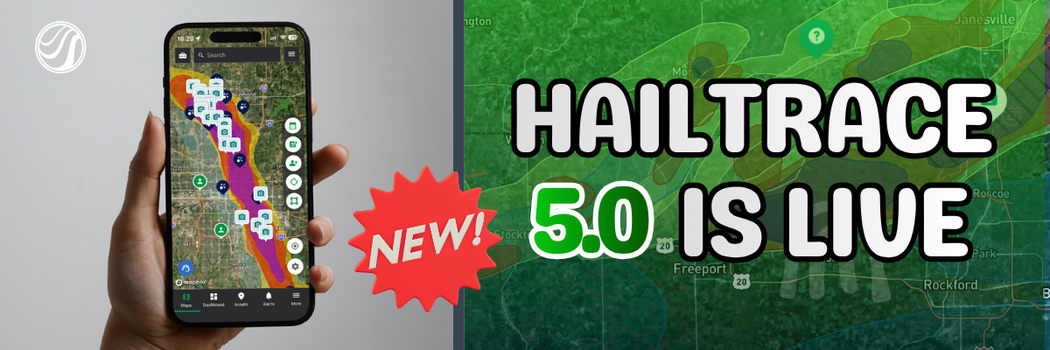
Storms move fast.
When hail hits, your team needs to know where to go, who to call, and what areas to work first. Every day spent in the wrong place can cost you jobs.
That is why we built HailTrace 5.0.
HailTrace 5.0 helps those in the restoration industry work storms faster with fewer taps and a map built for how you actually work.
For over 16 years, HailTrace has helped contractors find the right areas with accurate, meteorologist created storm maps. Now, HailTrace 5.0 makes it easier to turn those maps into action.
Work Storms Faster
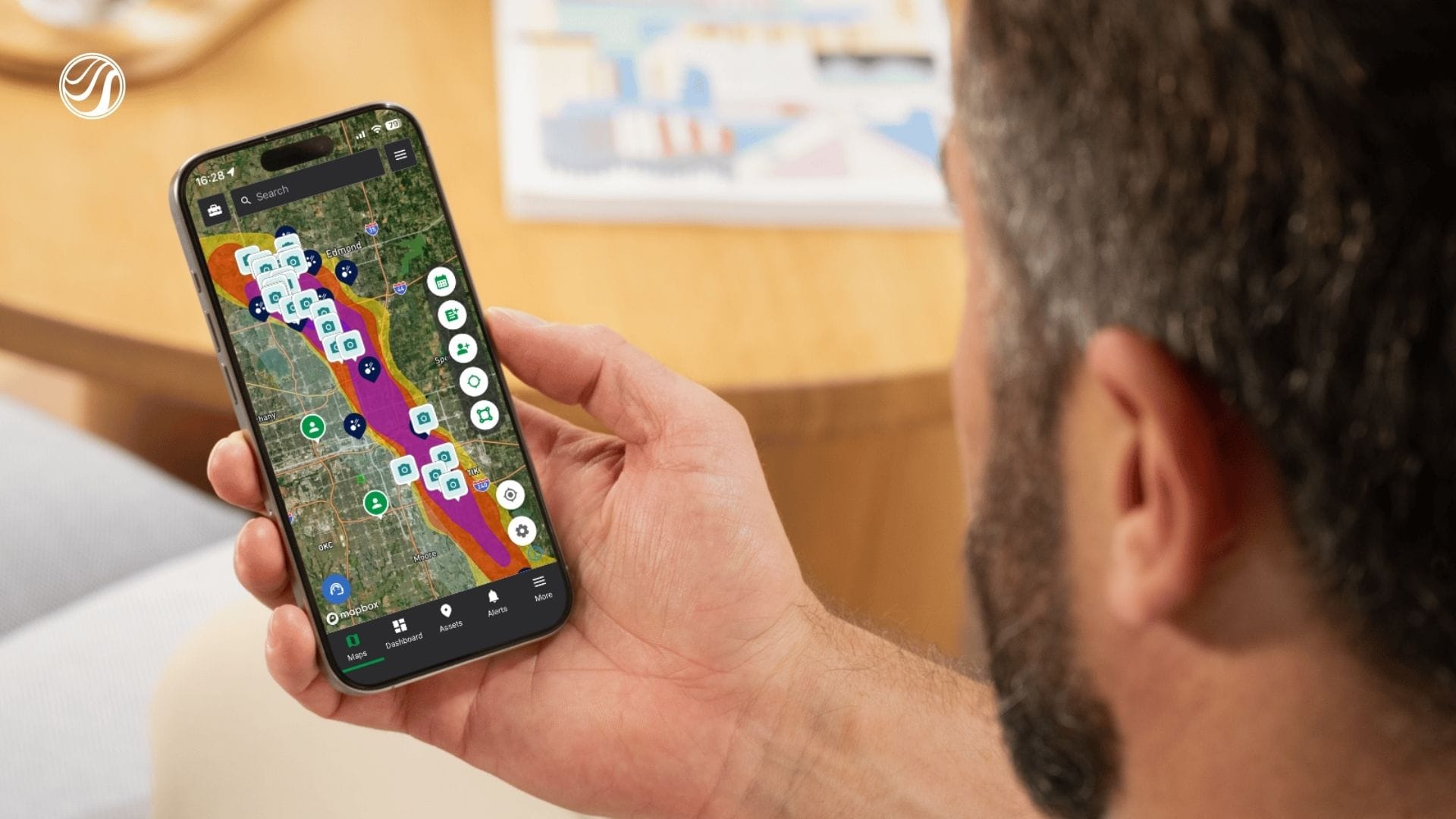
When a storm hits, speed matters.
You need to know where the hail fell. You need to know which areas are worth your time.
HailTrace 5.0 makes that easier.
Find Storms Near the Claim Deadline
One of the biggest new tools is the Statute of Limitations Date Picker.
This helps you find storms that may be close to the claim deadline.
For example, you can search for storms that are 60 days away from a one-year or two-year statute of limitations. This gives you a clear list of areas where property owners may need to act soon.
This is especially helpful when there is not a fresh storm in your area.
If your market has been quiet, you can still find past storm damage that may need to be repaired before the claim window closes.
Search for Businesses Impacted
HailTrace 5.0 helps your team find more than damaged homes.
After a hailstorm, you can search for businesses inside the storm area, like:
- Churches
- Schools
- Car dealerships
- Restaurants
- Retail centers
- Other commercial properties
This gives sales teams a faster way to find new prospects.
Instead of guessing where to go next, a sales team can search the storm path, find the types of properties they want to target, and start calling or knocking.
For roofers and restoration contractors, that means a clearer path to new work after the storm.
Start From the New Toolkit
The new Toolkit gives you one place to start.
From there, you can quickly get to the tools you use most, like:
- Weather events
- Weather reports
- Assets
- Lead lists
- Map settings
Instead of digging through menus, your team can open the Toolkit and get to work.
With Fewer Taps
HailTrace 5.0 is built to save time.
Teams should not have to dig through menus while working a storm. They should be able to open the app, find the right tool, and get moving.
Use Quick Actions From the Map
The new quick action buttons help your team move faster from the map.
- Need a weather report for a lead? Tap the report button, enter the address, and request it.
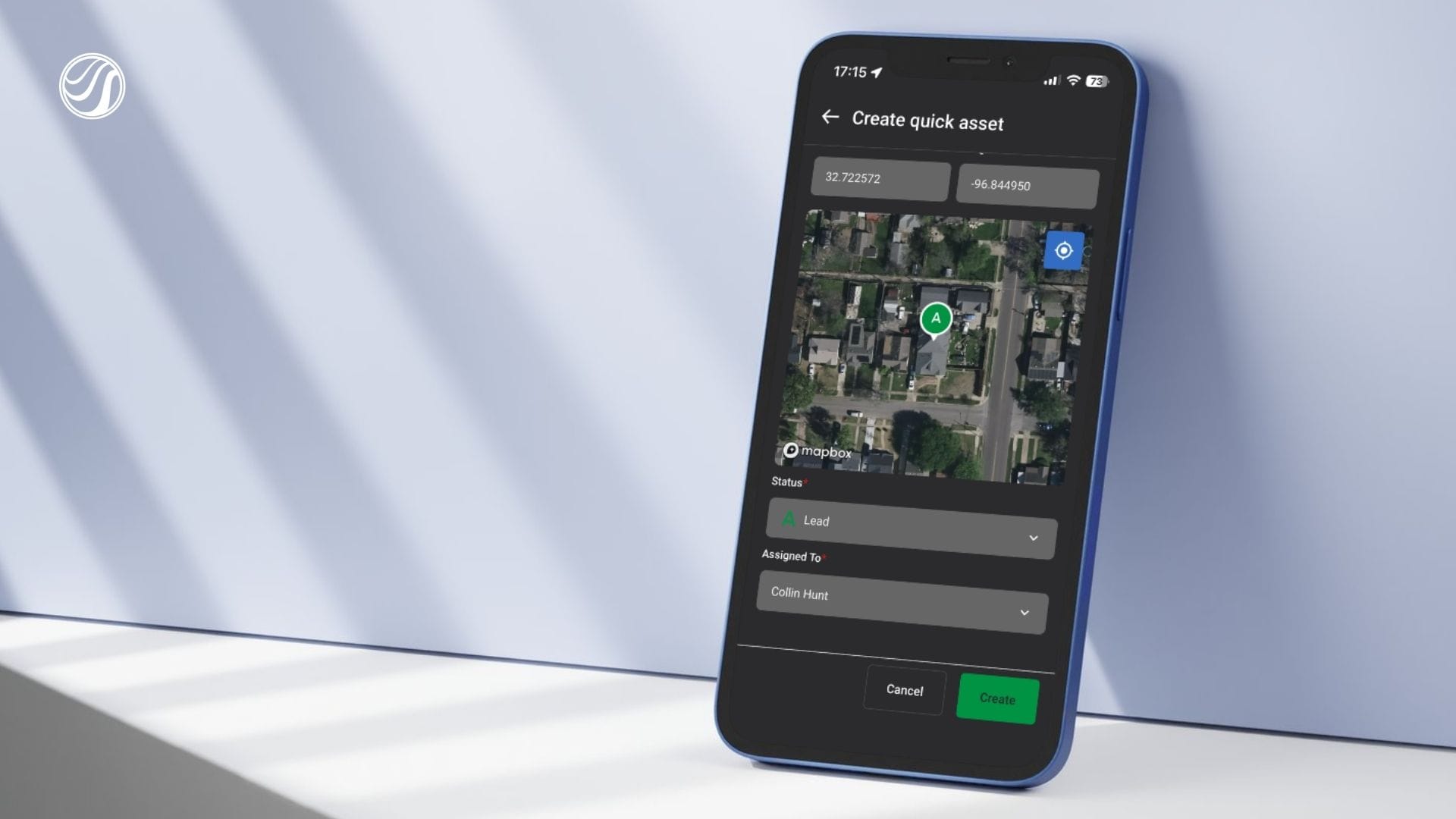
- Need to track a property? Tap the asset button, drop a pin, pick a status, and create it.
- Need a lead list for a neighborhood? Draw the area on the map and request the list.
These changes help your team do more with fewer steps.
Create Assets Faster
Asset creation is also faster in HailTrace 5.0.
You can drop a pin, assign a status, assign a user, and create the asset in seconds. You can also add more details later if needed.
And when that property gets hit by hail, wind, or tornado in the future, HailTrace will notify you, so you can be the first to reach out.
Built for the Field
Roofers and restoration teams do not work from a desk all day.
You work from trucks. You work in the sun. You work at the door.
HailTrace 5.0 was built for that.
Read the Map More Easily
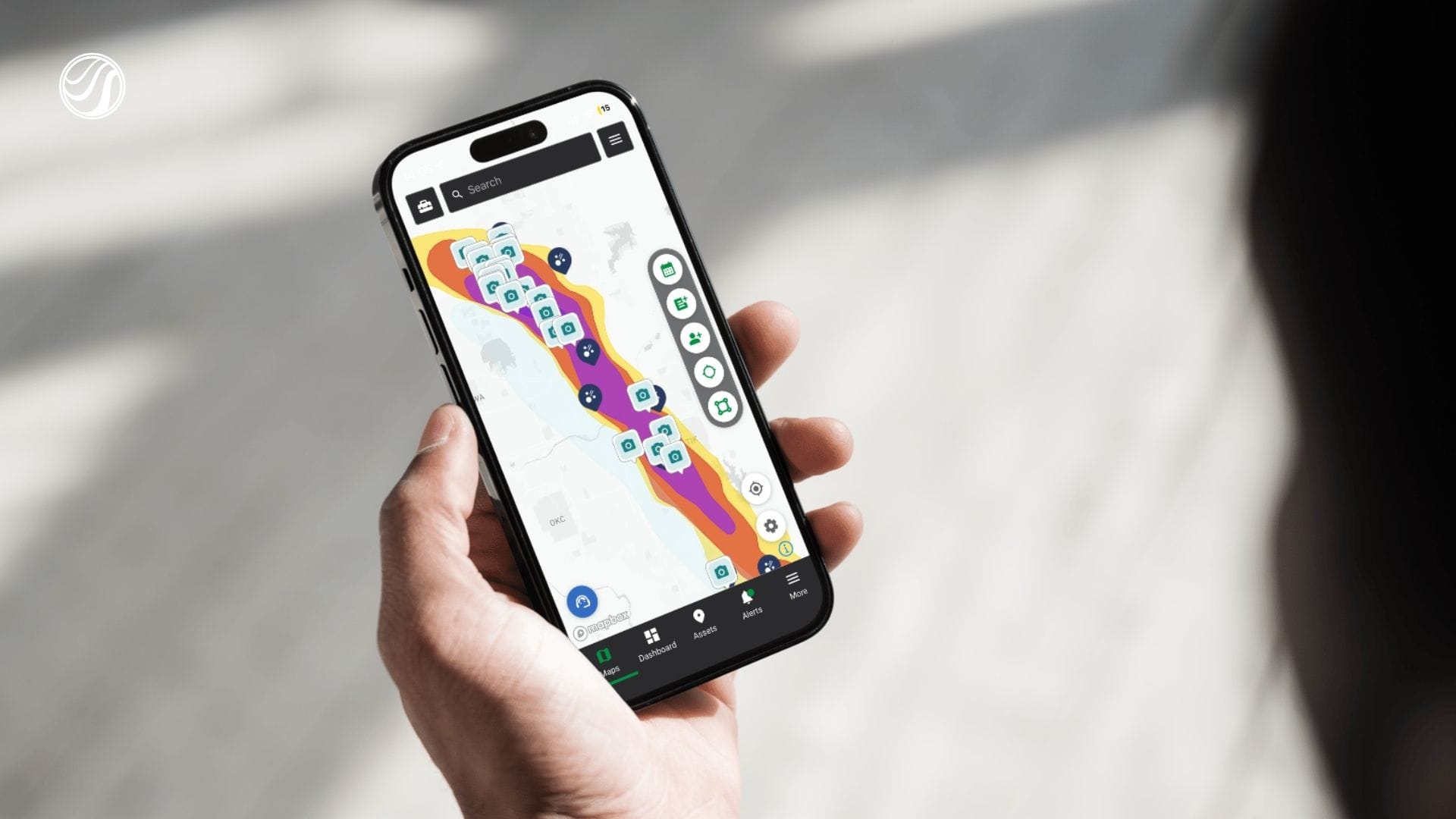
The map is easier to read in HailTrace 5.0.
- City names stay visible
- Storm colors are cleaner
- Pins are easier to understand.
This helps your team see what matters while they are moving through the field.
Set the Map Up for How You Work
Map settings are now in one place, giving you more control while you work.
You can:
- Switch between light and dark maps when the sun is bright
- Lock map rotation so the map does not spin while you move
- Pick a left-hand or right-hand layout for each rep
- Turn map layers on or off when the map feels too busy
- Use colorblind-friendly storm colors to make the map easier to read
These small changes can make a big difference when you are working from the truck, at the door, or in the middle of a busy storm day.
Get Access to HailTrace 5.0
HailTrace 5.0 is available with a HailTrace subscription.
Get a subscription today to access HailTrace 5.0 and start working storms faster, with fewer taps, from the field.